
ThinkFreely | DriftHold
Stop AI Drift with DriftHold
DriftHold is the AI drift-control capability inside ThinkFreely, the AI Operating Layer Buildtelligence implements. It helps enterprise AI stay aligned with approved instructions, policies, skills, and working context as conversations, tools, documents, and workflows grow.
What is AI drift? What are common signs of AI drift?
Stop AI Drift Before It Becomes Operational Risk
When AI is used inside real workflows, drift is not just a response-quality problem. It can affect policy adherence, workflow consistency, skill reliability, and user trust. A model may begin with the right instructions, follow the correct skill, respect the right policy, and understand the user’s objective. Then, as context builds, it can start drifting away from the rules that made the workflow usable in the first place.
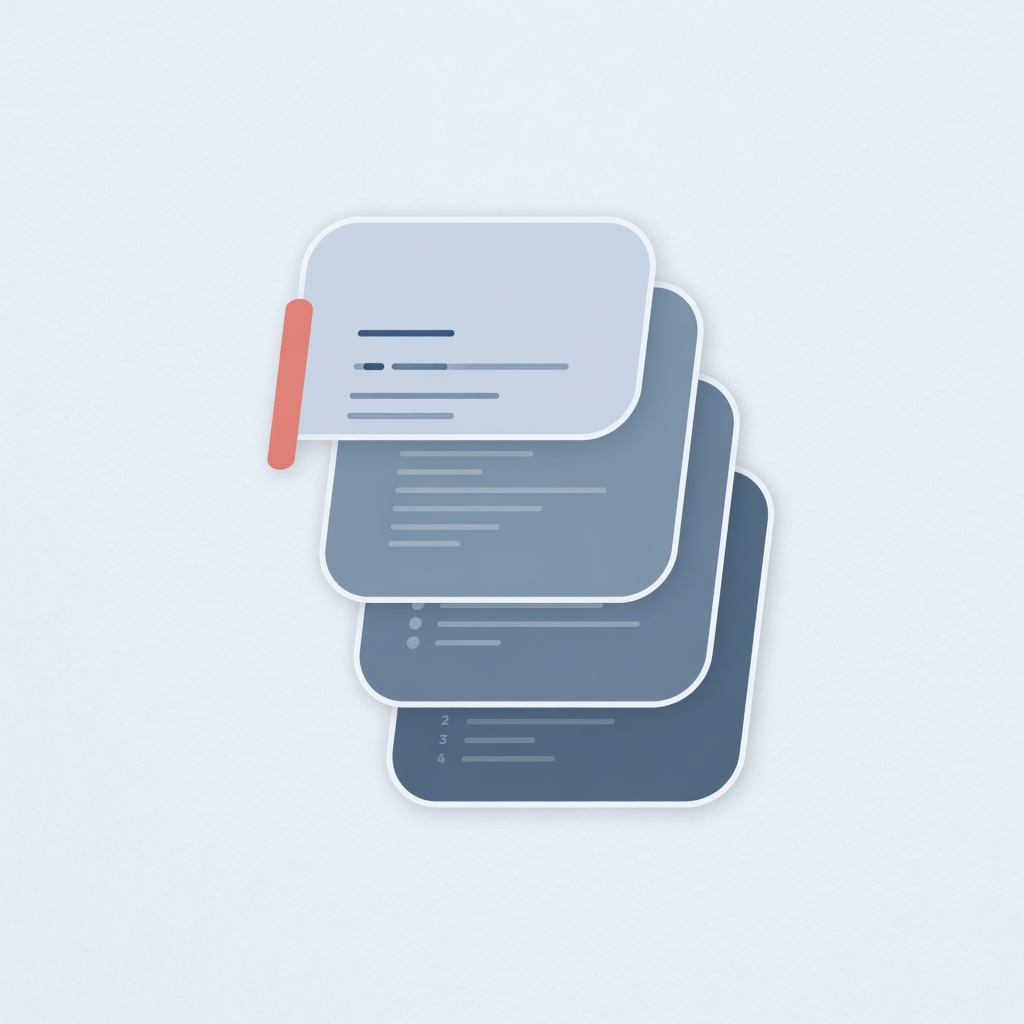
Instructions Get Buried
Standing instructions, skill rules, brand guidance, and governance expectations can become harder for the AI to preserve as the session grows.
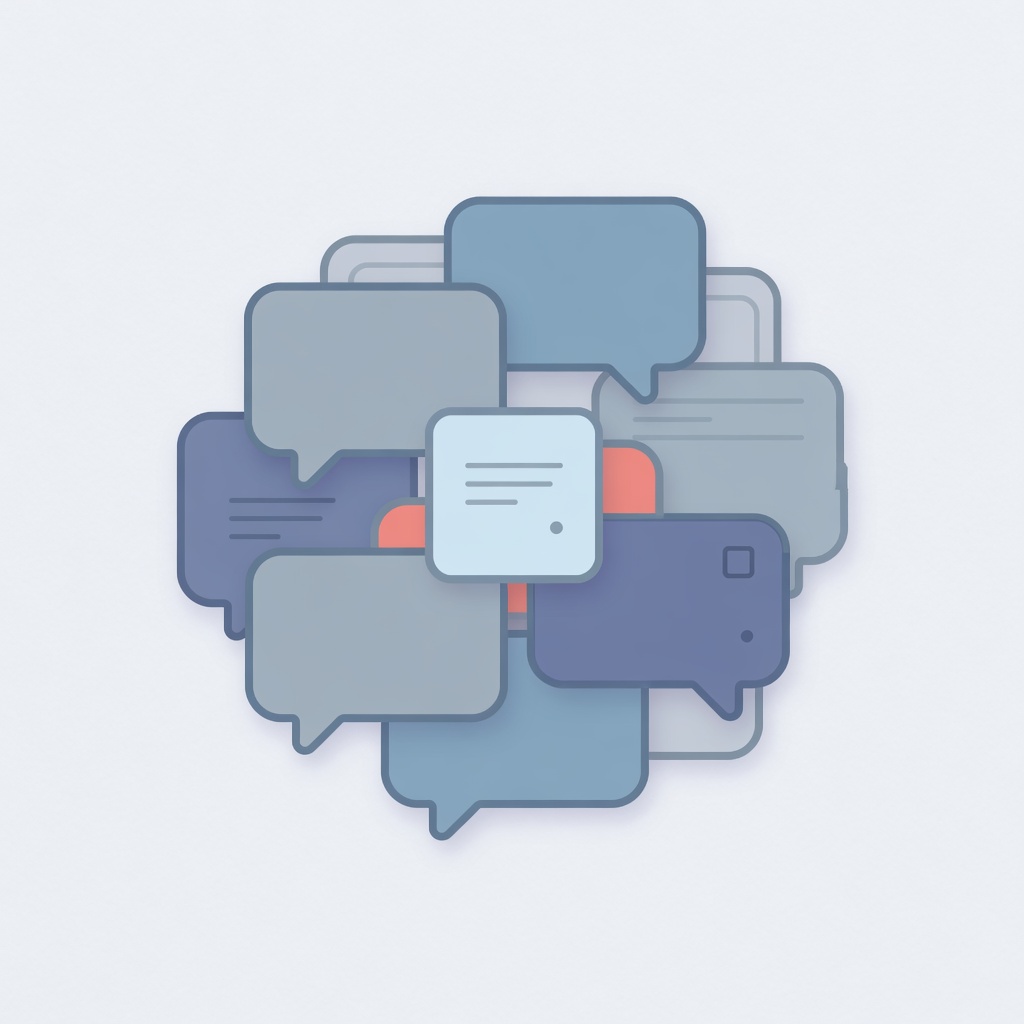
Context Gets Crowded
Tool outputs, document excerpts, prior messages, and workflow residue can compete with the current request and active evidence.
Governance Gets Weakened
Policies may still exist somewhere in the transcript, but they may no longer reliably shape the output when the context becomes crowded or compressed.
DriftHold is built to stop AI drift before it weakens the workflow. It helps preserve authoritative instructions, protect active context, reduce stale workflow material, and keep continuity separate from control. Instead of allowing critical rules to be buried inside a growing transcript, DriftHold gives ThinkFreely a structured way to hold the AI to the instructions that matter.
For companies deploying AI across teams, departments, or sensitive workflows, stopping AI drift is not only about improving output quality. It is about protecting operational consistency. It helps ensure that AI assistants, AI skills, and AI-enabled workflows continue to follow approved expectations as sessions become longer, more complex, and more dependent on context.
What Is AI Drift?
AI drift is the gradual loss of alignment between an AI system and the instructions, context, policies, or operating expectations that should control its behavior.
In some discussions, AI model drift refers to changes in model performance over time as data patterns, user behavior, or real-world conditions change. That type of drift matters, especially in predictive systems and machine learning environments.
In enterprise AI workflows, there is another practical form of drift that leaders and operators experience every day. The AI starts with the right instructions, then slowly loses the thread.

AI Model Drift
Model performance changes because data patterns, user behavior, labels, or real-world conditions change over time.

Instruction Drift
The AI gradually stops following the approved instructions, skill rules, policy requirements, or role expectations that should control the workflow.

Context Drift
The AI loses track of the active objective, current evidence, workflow state, or constraints because older or lower-value context crowds out what matters now.
The result is not always a dramatic failure. Often, it looks like inconsistency. The AI answers confidently, but it is no longer following the full operating context. Companies that want dependable AI systems need a way to prevent that inconsistency before it becomes normal operating behavior.
Why AI Drift Becomes a Business Problem
AI tools are easy to test in short sessions. Enterprise AI is different.
A business workflow may involve policy requirements, privacy constraints, brand rules, customer context, financial details, internal knowledge, approved skills, tool calls, and multiple users. When that work continues across a longer session, the context becomes harder to preserve.
This creates operational risk because the AI can begin to drift away from:
Approved Instructions Get Buried
Critical task guidance can become less influential as more context accumulates around it.

Active Context Gets Crowded
Older messages, tools, and workflow residue can compete with the current objective.
Governance Gets Weakened
Compliance, privacy, and policy expectations can become less reliable if they are not actively protected.
- Approved instructions
- Role and tone requirements
- Security and privacy expectations
- Workflow rules
- Active evidence
- Current user intent
- Skill-specific procedures
- Brand or compliance standards
- Prior decisions that still matter
For a casual chatbot, that may be inconvenient. For a company using AI inside real workflows, it can weaken reliability, governance, and trust.
A larger context window can help, but it does not solve the full problem. More room does not automatically decide what is authoritative, what is stale, what should be preserved, what can be reduced, or what should never be silently weakened.
DriftHold exists because enterprise AI needs more than room. It needs control. To control AI drift in real workflows, companies need a structured way to preserve authority, protect active context, and reduce stale material without weakening the rules.
DriftHold Inside ThinkFreely
DriftHold is AI drift control for enterprise workflows.
It helps keep AI aligned with approved instructions, policies, skills, and working context by treating context as layered operational state instead of one flat prompt history. That distinction matters. Not every piece of context has the same value, authority, or risk.
A current user request should not be treated the same as an old tool trace. A governance rule should not be treated the same as a temporary summary. A protected skill instruction should not be displaced by transcript noise. A continuity note should not become more authoritative than the policy it was meant to support.
DriftHold gives ThinkFreely a controlled way to preserve what matters, reduce what is stale, and explain what happened when context pressure appears. That makes it a practical way to manage AI drift across enterprise workflows that cannot depend on fragile prompt history alone.
What DriftHold Protects
Authoritative Instructions
DriftHold helps protect the instructions that should remain stable across the workflow, including system rules, approved policies, skill instructions, brand guidance, task constraints, and default operating expectations.

Current Work
DriftHold prioritizes the active request, recent synthesis, relevant evidence, and current workflow state so the AI is less likely to lose what the user is trying to accomplish now.

Policy and Governance Context
DriftHold helps prevent policy context from being buried, summarized away, or treated as disposable transcript history.

Skills and Workflow Rules
DriftHold helps keep skill instructions stable while the workflow runs, reducing the risk that the AI starts following generic behavior instead of the approved skill pattern.
Long-Running Continuity
DriftHold can support continuity while keeping it separate from authority, so objectives, findings, constraints, identifiers, and open decisions do not replace governance or protected instruction state.

Operator Visibility
Inspectable context decisions let operators see what was preserved, reduced, summarized, or blocked, turning drift management from guesswork into an operational control surface.
How DriftHold Controls AI Drift
DriftHold is not just prompt trimming. Prompt trimming usually asks, “What can we cut so this fits?”
Prompt Trimming Asks
What can we cut so this fits?
DriftHold Asks
- What instructions are authoritative?
- What context is active and still relevant?
- What workflow material is stale?
- What can be reduced safely?
- What should remain non-authoritative continuity?
- What should fail rather than weaken protected rules?
- What should operators be able to inspect afterward?
Instead of treating every request as a single flat text block, DriftHold separates protected authority, active workflow state, compactable history, continuity aids, and current user intent. That is what allows AI drift control to become part of the operating layer, not just a prompt engineering technique.
DriftHold Is Not Just AI Model Drift Monitoring
AI Model Drift Monitoring
Traditional AI model drift monitoring focuses on whether a model’s performance changes over time because the data environment has changed. That may involve monitoring predictions, inputs, labels, data distributions, accuracy, or performance metrics.
DriftHold Operational Drift Control
DriftHold focuses on operational AI drift inside active workflows. It helps prevent the system from moving away from the rules, instructions, skills, and context that should guide the work.
DriftHold does not replace statistical model monitoring, dataset drift detection, or ML performance observability. It addresses operational drift inside generative AI workflows. Both problems matter, but they are not the same problem.
Why DriftHold Matters Inside ThinkFreely
ThinkFreely gives companies an AI Operating Layer for practical implementation. It helps manage AI activity across models, workloads, privacy boundaries, queues, workflows, and governance.
DriftHold extends that operating foundation by addressing what happens after the request is routed. The model may be available. The privacy rule may be satisfied. The queue may be working. But the AI still needs to stay aligned with the instructions and context that make the workflow reliable.
That is where DriftHold fits. ThinkFreely provides visibility, direction, and control across AI operations. RouteFreely helps route and prioritize AI work. DriftHold helps keep that work from drifting away from the rules while it is being performed.
Together, they support a more practical implementation path for companies that want AI adoption to scale without becoming unmanaged, inconsistent, or difficult to trust.
Common Signs Your AI Workflows Are Drifting

The AI Becomes Inconsistent
The AI follows instructions early in a session, then behaves differently later.

Users Repeat Context
Users have to restate context the AI should already be using.
Tool Output Overwhelms the Task
Tool outputs or document excerpts crowd out the original objective.

Policy Influence Weakens
Brand, tone, compliance, or governance rules become less reliable over time.
Skills Behave Differently
AI skills become inconsistent across long workflows or model handoffs.
Context Decisions Are Unclear
The team cannot tell what context was dropped, compressed, summarized, or preserved.
If these patterns appear repeatedly, the company likely needs a stronger way to control AI drift at the workflow level.
Built for Enterprise AI Implementation
DriftHold is especially valuable when AI is moving beyond isolated experimentation and into real business workflows.
- AI assistants that need stable role, tone, and policy behavior
- Private knowledge assistants using internal documents and approved instructions
- AI skills that require consistent task procedures and output formats
- Long-running research, analysis, or content workflows
- Compliance-sensitive workflows where governance cannot be weakened silently
- Multi-step workflows that use tools, documents, models, and intermediate findings
- Department-level AI deployments where different users need consistent behavior
- Executive, legal, finance, operations, marketing, and support workflows where context integrity matters
The more important the workflow becomes, the more drift matters. The goal is not only to improve responses, but to keep AI drift from undermining the business process around those responses.
The Business Value of AI Drift Control
More Consistent AI Behavior
By protecting authoritative instructions and active workflow context, DriftHold helps reduce the inconsistency that appears when long sessions become crowded or unclear.
Stronger Governance
DriftHold supports policy-aware operation by helping governance context remain protected rather than buried inside ordinary history.
Better Long-Running Workflows
DriftHold helps preserve the current objective and relevant continuity without turning uncontrolled memory into authority.
Clearer Operational Visibility
Inspectable context decisions help operators understand how the system handled context pressure, which supports debugging, governance, and trust.
Less Reliance on Fragile Prompt History
Instead of depending on the model to infer what still matters from a long transcript, DriftHold gives the operating layer a more deliberate structure for preserving authority and reducing stale material.
DriftHold and Buildtelligence Implementation
Buildtelligence helps companies move from scattered AI experimentation to practical implementation. DriftHold supports that mission by making AI workflows more stable as they become more operationally important.
We do not treat AI drift as a vague technical concern. We treat it as an implementation issue. If a company cannot control AI drift and keep AI aligned with its instructions, policies, and workflow context, it will struggle to scale AI safely.
DriftHold gives companies a stronger foundation for using AI in real work, especially when paired with ThinkFreely’s broader operating controls for routing, privacy-aware dispatch, usage oversight, workload management, and governance support.
Frequently Asked Questions About AI Drift and DriftHold
What is AI drift?
AI drift is the gradual movement of an AI system away from the instructions, policies, context, data patterns, or operating expectations that should guide its behavior. In enterprise generative AI workflows, drift often means the AI begins losing alignment with the rules and context that matter to the task. DriftHold is designed to preserve the authority and working context those workflows depend on.
What is drift in AI?
Drift in AI happens when an AI system no longer reliably follows the active objective, approved instructions, policy context, workflow rules, or expected performance pattern. This can happen as conversations become longer, tools add bulky outputs, documents compete for context, or summaries replace more precise information.
How do you stop AI drift?
You stop AI drift by identifying what context is authoritative, preserving the current user intent, protecting policy and skill instructions, reducing stale workflow material, and making context changes inspectable. DriftHold applies that approach inside ThinkFreely so enterprise AI can stay aligned as workflows grow.
Is AI drift the same as AI model drift?
Not always. AI model drift often refers to changes in model performance as real-world data changes. DriftHold focuses on instruction drift, context drift, policy drift, and workflow drift inside enterprise AI operations.
Can larger context windows solve AI drift?
Larger context windows can reduce pressure, but they do not decide what should be protected, reduced, summarized, or treated as authoritative. To stop AI drift, companies need control over what survives and why, not just more space for context to accumulate.
Is DriftHold just prompt engineering?
No. Prompt engineering helps create instructions. DriftHold helps preserve important instructions, policies, skills, and context over time as workflows grow and context pressure increases.
Is DriftHold memory?
No. DriftHold can support continuity, but continuity is separate from authority. A continuity aid can help preserve the thread, but it should not replace protected instructions, governance rules, or skill state.
Where does DriftHold fit inside ThinkFreely?
DriftHold is the AI drift-control capability inside ThinkFreely. ThinkFreely provides the AI Operating Layer, RouteFreely routes and manages AI work, and DriftHold helps keep that work aligned with the instructions that matter.
Stop AI Drift Before It Breaks the Workflow
If your organization is moving from AI experimentation to practical implementation, DriftHold gives ThinkFreely a stronger way to keep enterprise AI aligned as real workflows grow.
RouteFreely routes the request. DriftHold keeps it aligned.
ThinkFreely AI Operating Layer | AI Enablement | AI Workflow Implementation | AI Governance and Training | AI Skills | Private Knowledge Assistants | AI Architecture Review | AI Enablement Readiness Checklist